Sensor view
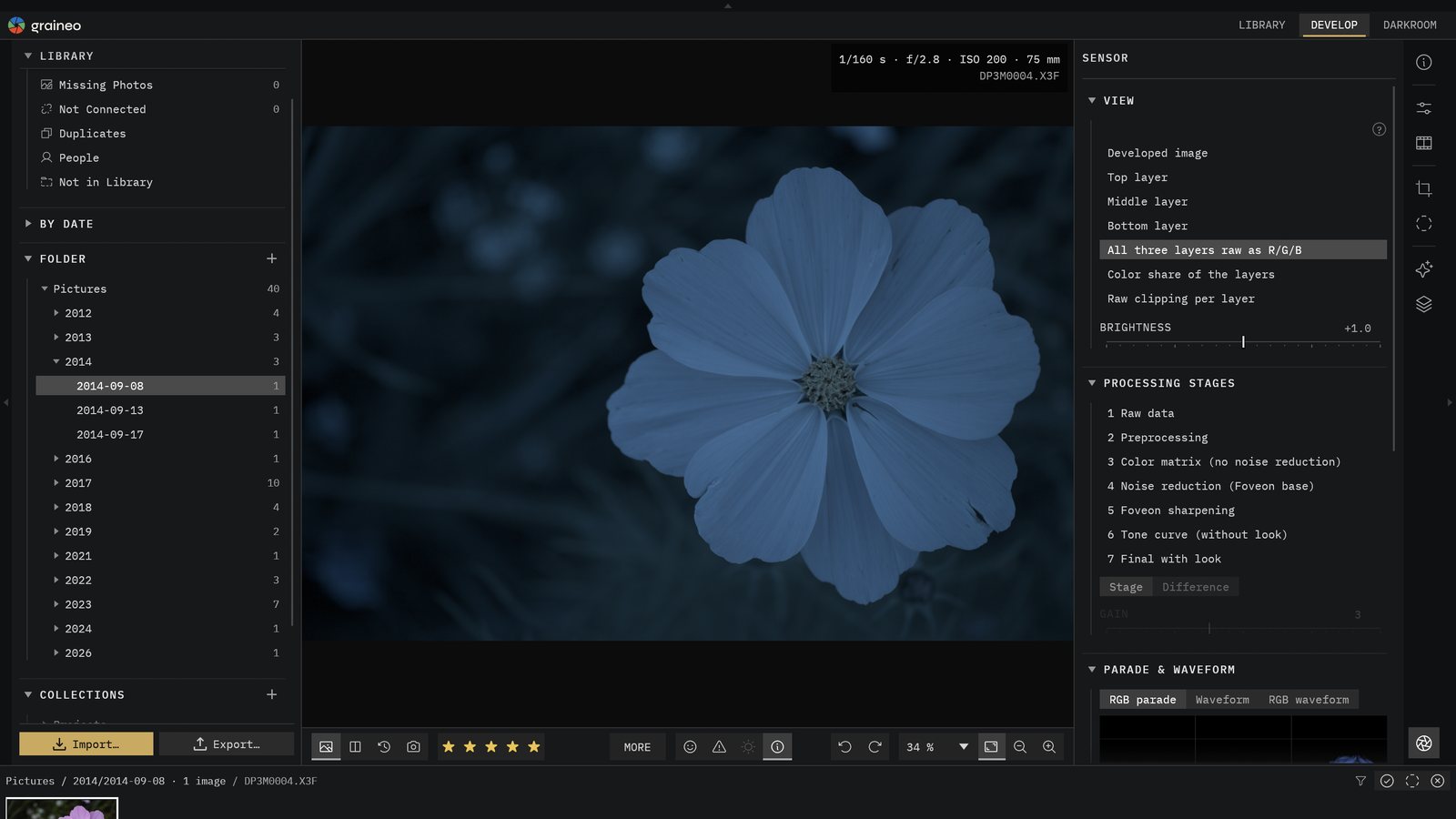
For the curious: what the sensor actually recorded. For Bayer and X-Trans: clipping, noise, sharpness, moiré, defects and the colour filter mosaic; for Foveon: every layer raw and every processing stage.
Tens of thousands of photos, no waiting, colours as intended.
A photo library, a RAW developer and a darkroom in one. Scroll through all your photos, open one and start working right away: at full quality, with the colours your camera intends, and, if you like, with the character of real film.
Get graineoSee the filmsFree · open source · version 1.5.1 · macOS 12+ · Windows preview · Linux experimental
Your library can be huge, 65,000 photos and more. graineo imports them very quickly, scrolls without stalling, and the previews are there straight away.
A photo appears large straight away and is rendered at full quality a moment later. From then on it follows every slider, and zooming and panning never re-render.
Your photos look the way your camera intended: pictures from the Sigma Merrill and older Foveon cameras as from the manufacturer’s software, Fujifilm and Ricoh picture styles matched to the cameras’ JPEGs. Film and paper are built from real film data, not from a filter.
Every number is measured, and the measuring tools are open in the source code. Times on a MacBook Pro (Apple M1 Pro, 16 GB). All the numbers and how they were measured →
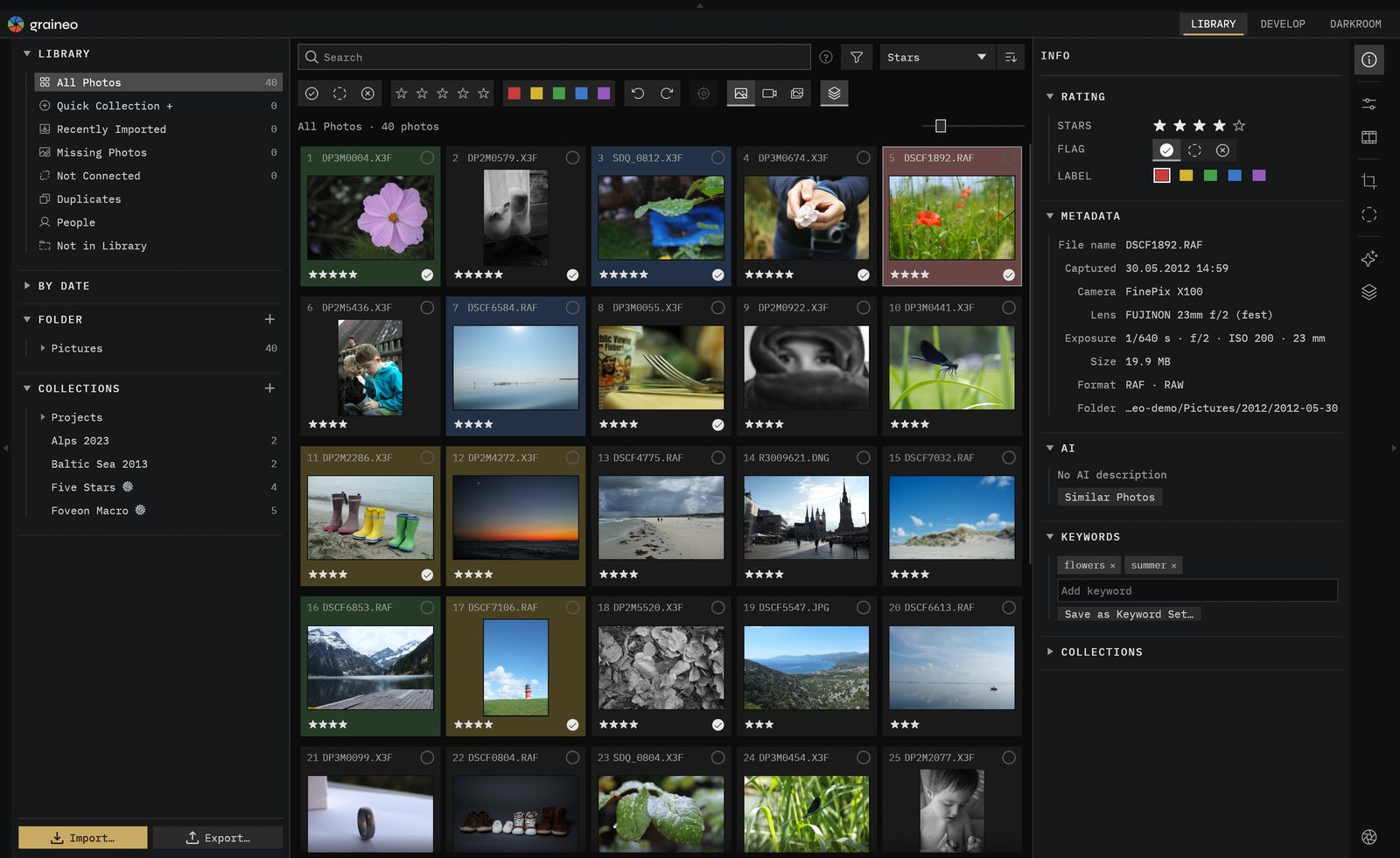
Stars, flags, colour labels and keywords as a tree with broader and narrower terms. Collections in your own order, arranged by dragging, plus smart collections. Filter by camera, lens, aperture, ISO or person, find duplicates and tidy up. Search by words or by meaning: “dog on the beach”. Your photos can live wherever you like, NAS included; moves are logged and can be undone.
Search and faces run on your computer; nothing is uploaded. Import from a card, a folder, Apple Photos or Lightroom Classic catalogues; copies are verified by checksum.
More →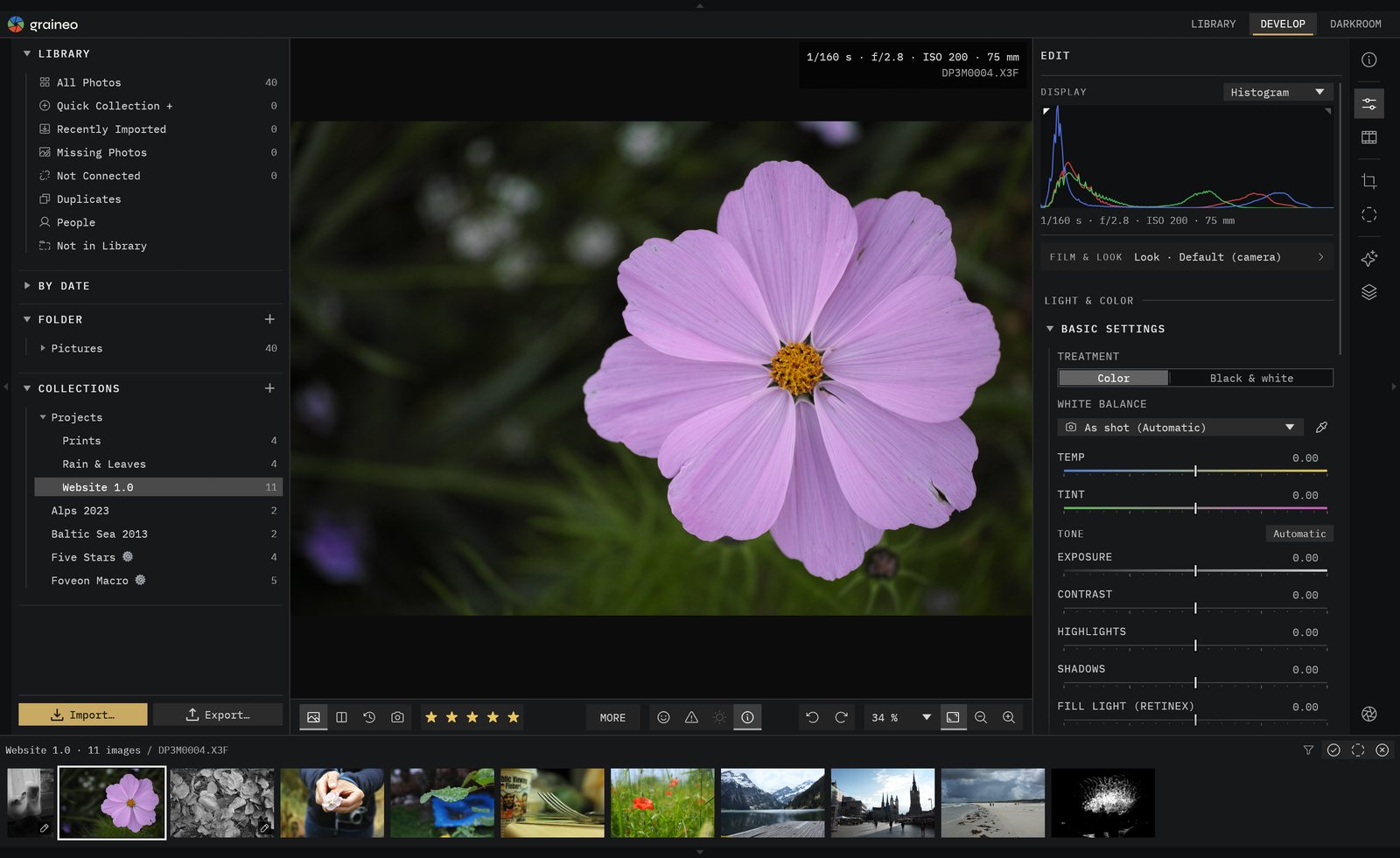
RAW files from Fujifilm (X-Trans included), Canon, Nikon, Sony, Olympus/OM System, Pentax, Samsung, Leica, Ricoh and many more, plus DNG, JPEG, HEIC, TIFF and PNG. Highlights are recovered, lens flaws corrected, and noise reduced according to the measured behaviour of your camera. Tone, colour, curves, masks and retouching leave the original untouched, and every step stays in the history, even after a restart. When you zoom in, every detail is already there at full resolution.
RAW → All tools →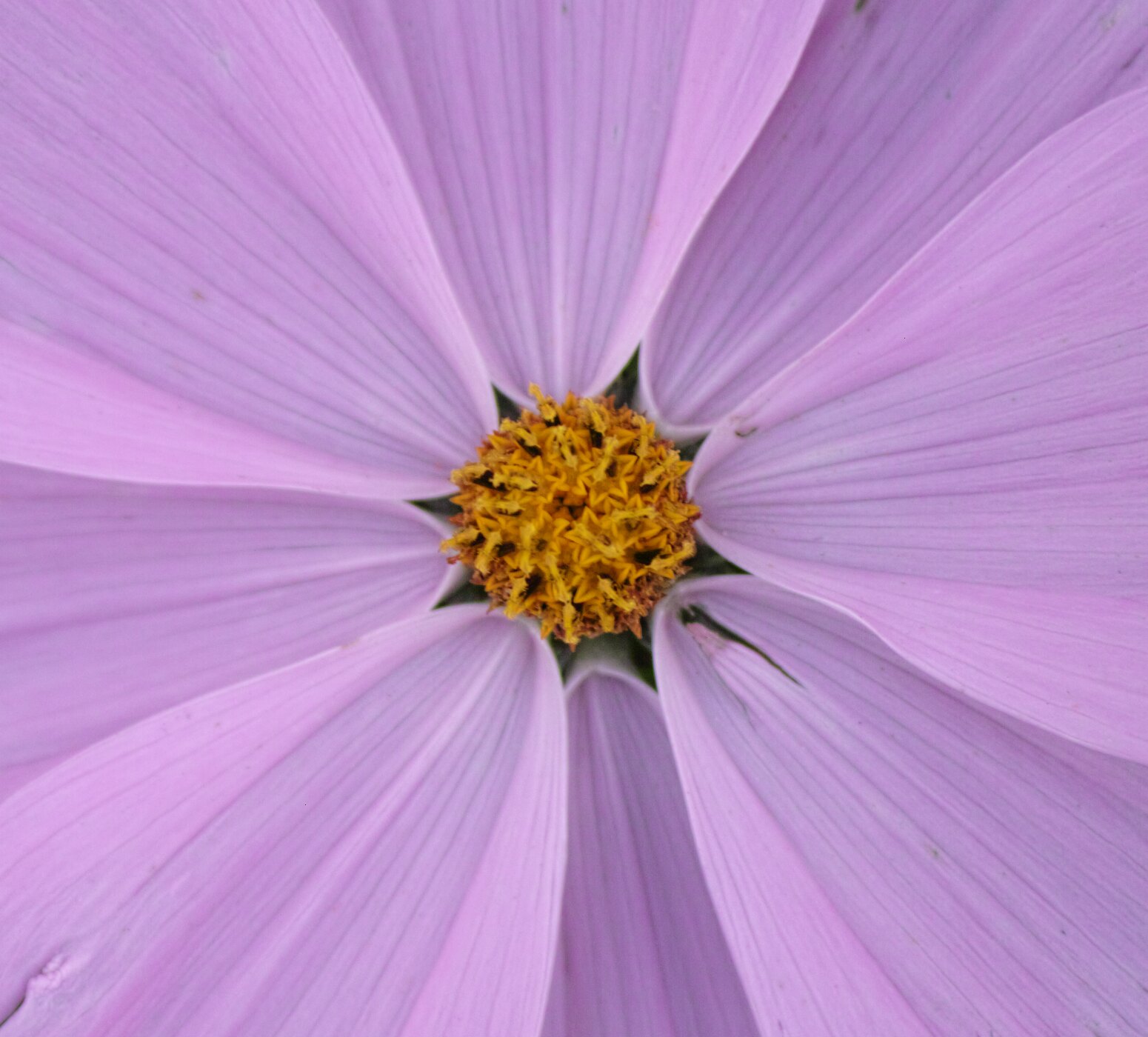
A Foveon sensor sees every colour at every pixel, in three stacked layers. graineo develops the files of all Sigma Foveon cameras with its own process for these layers, the colours measured against Sigma’s own software. Plus tools made only for this sensor, such as black and white straight from the layers.
Foveon →For the curious: what the sensor actually recorded. For Bayer and X-Trans: clipping, noise, sharpness, moiré, defects and the colour filter mosaic; for Foveon: every layer raw and every processing stage.
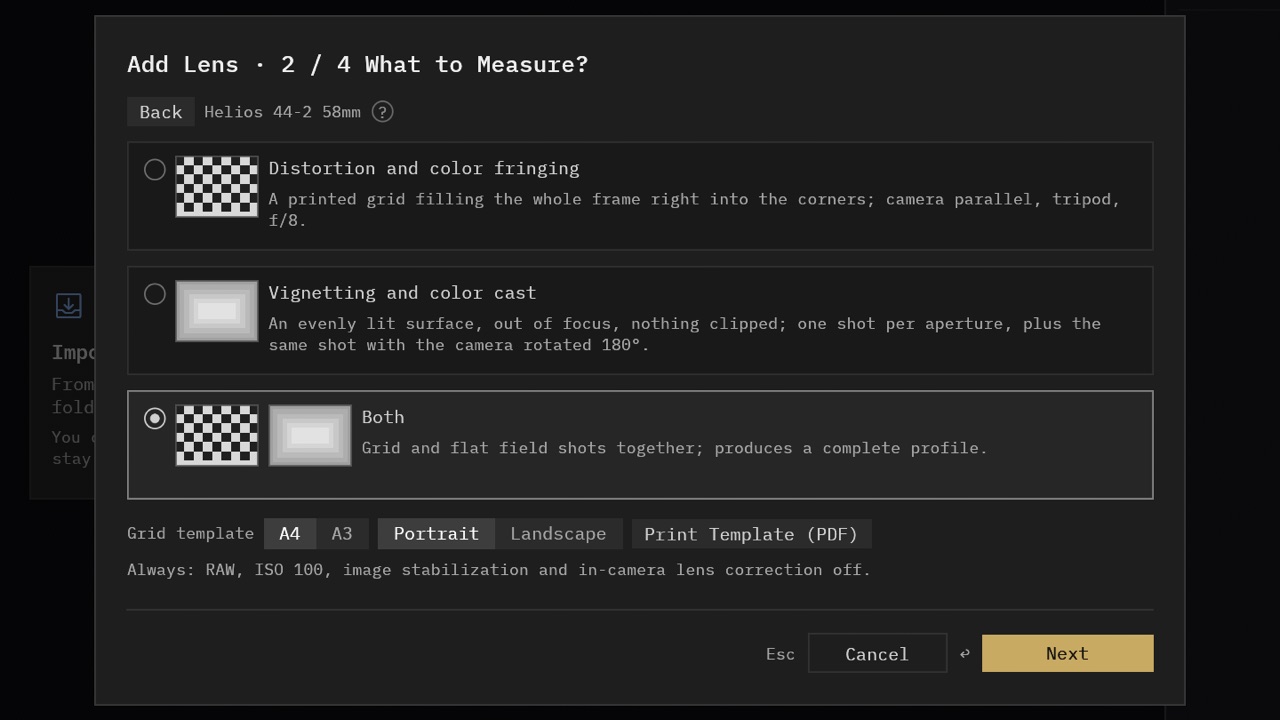
For lenses without a ready-made profile: photograph a grid and an even surface, and the assistant measures distortion, colour fringing and vignetting and creates a profile of your own. Otherwise lens profiles and lensfun data apply.
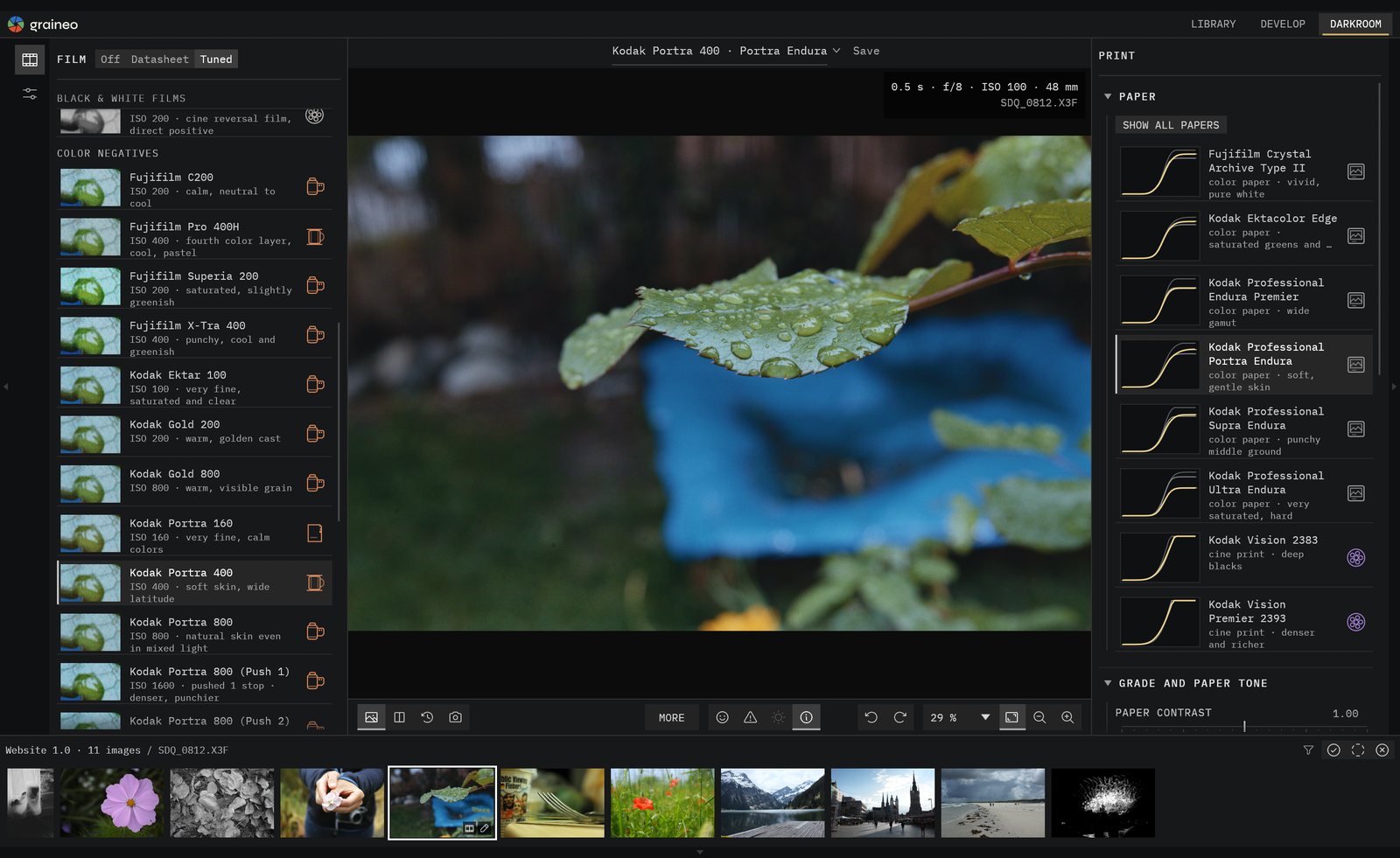
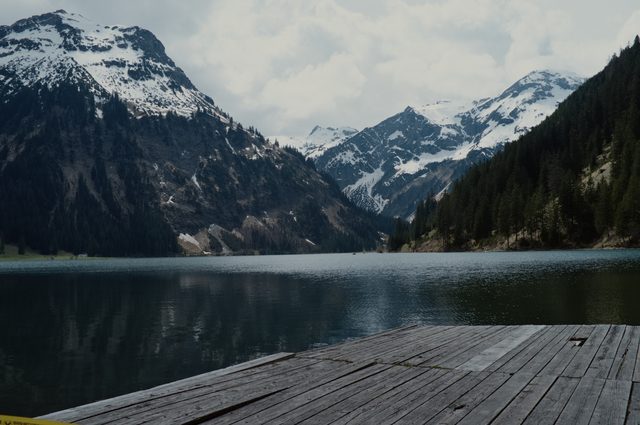
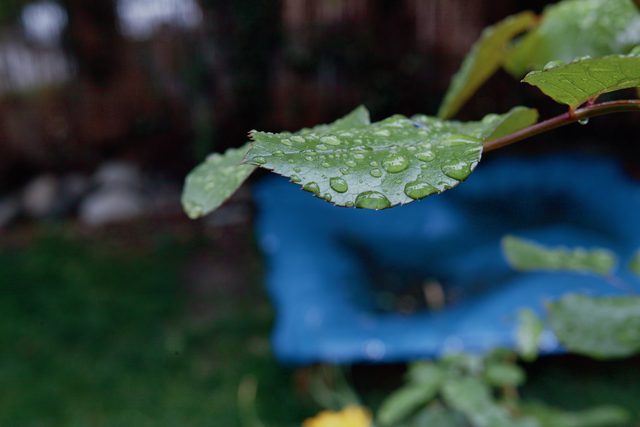
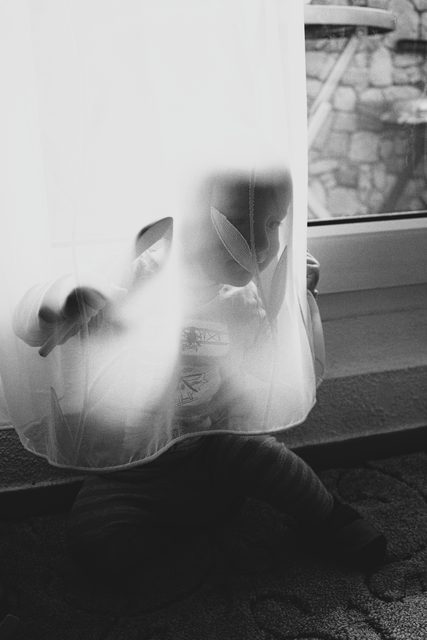
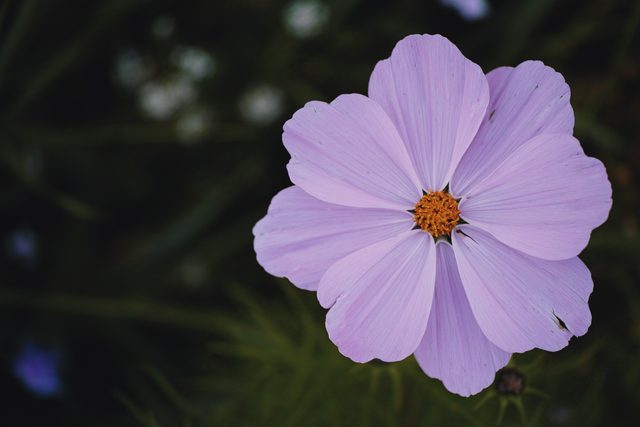
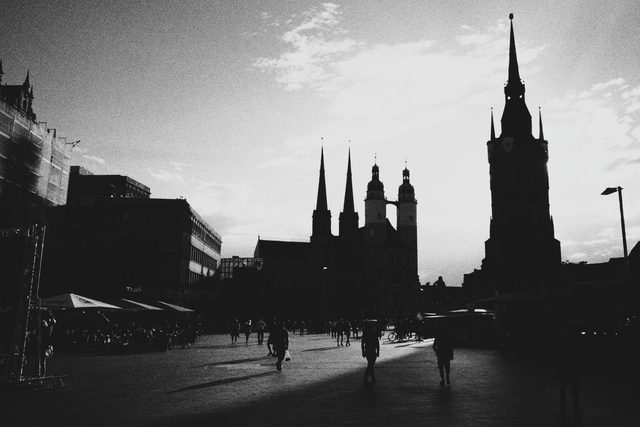
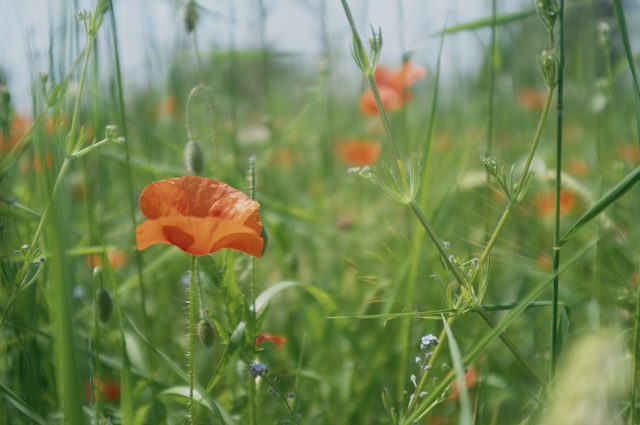
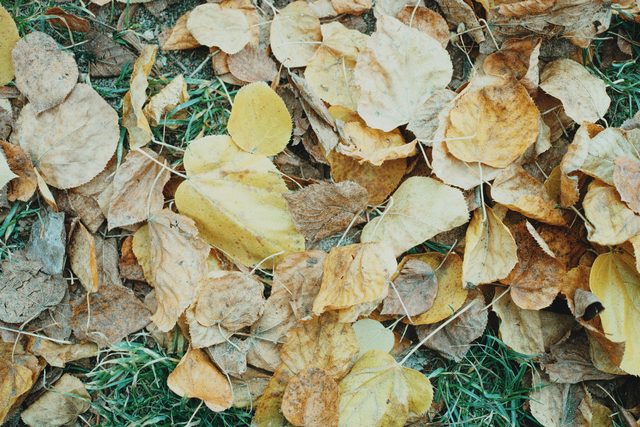
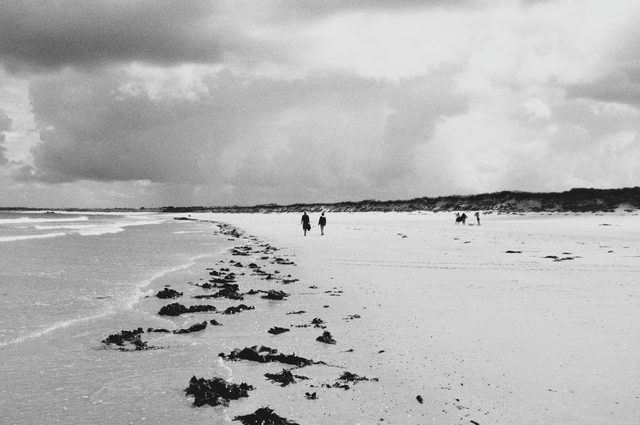
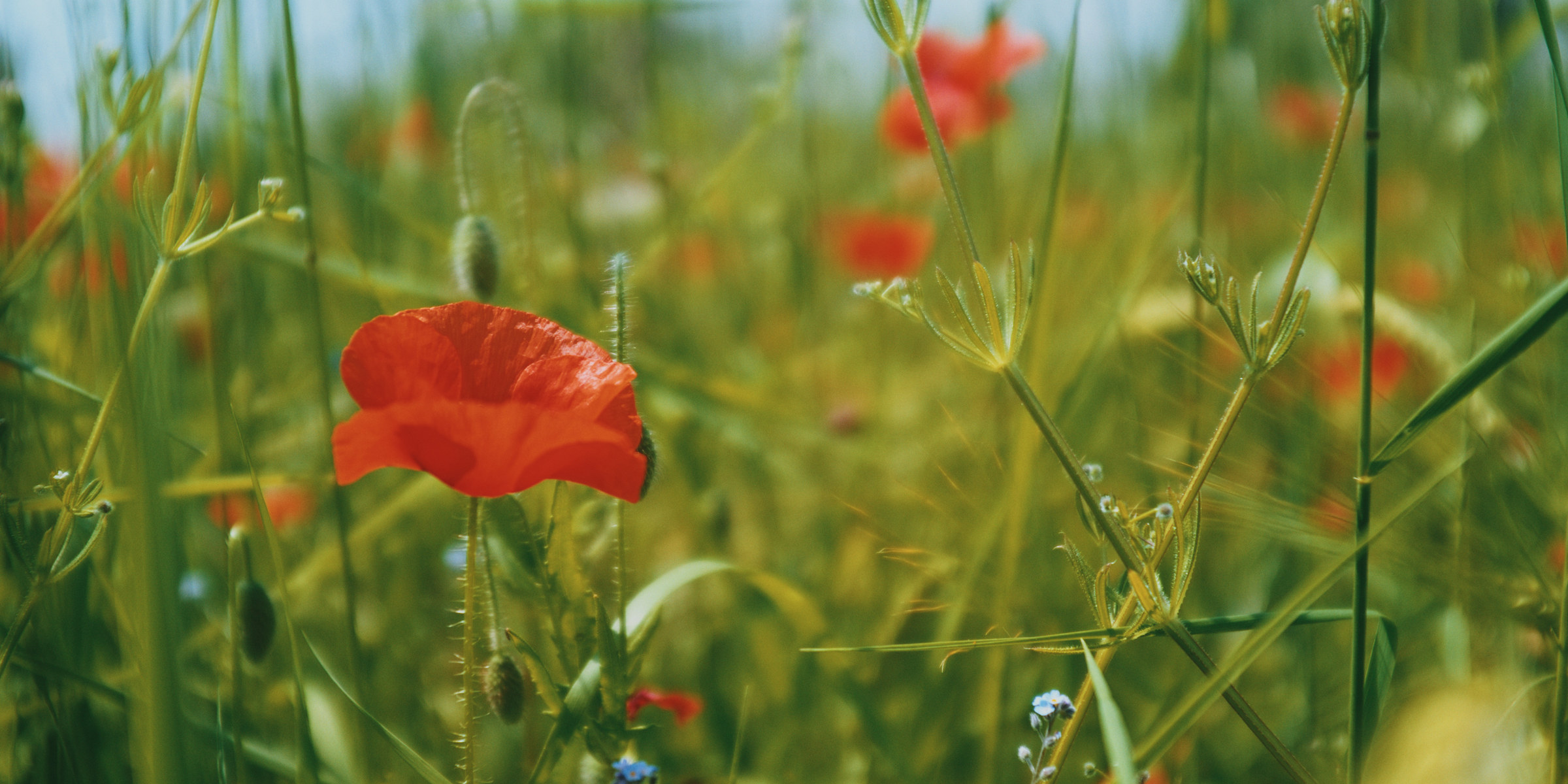
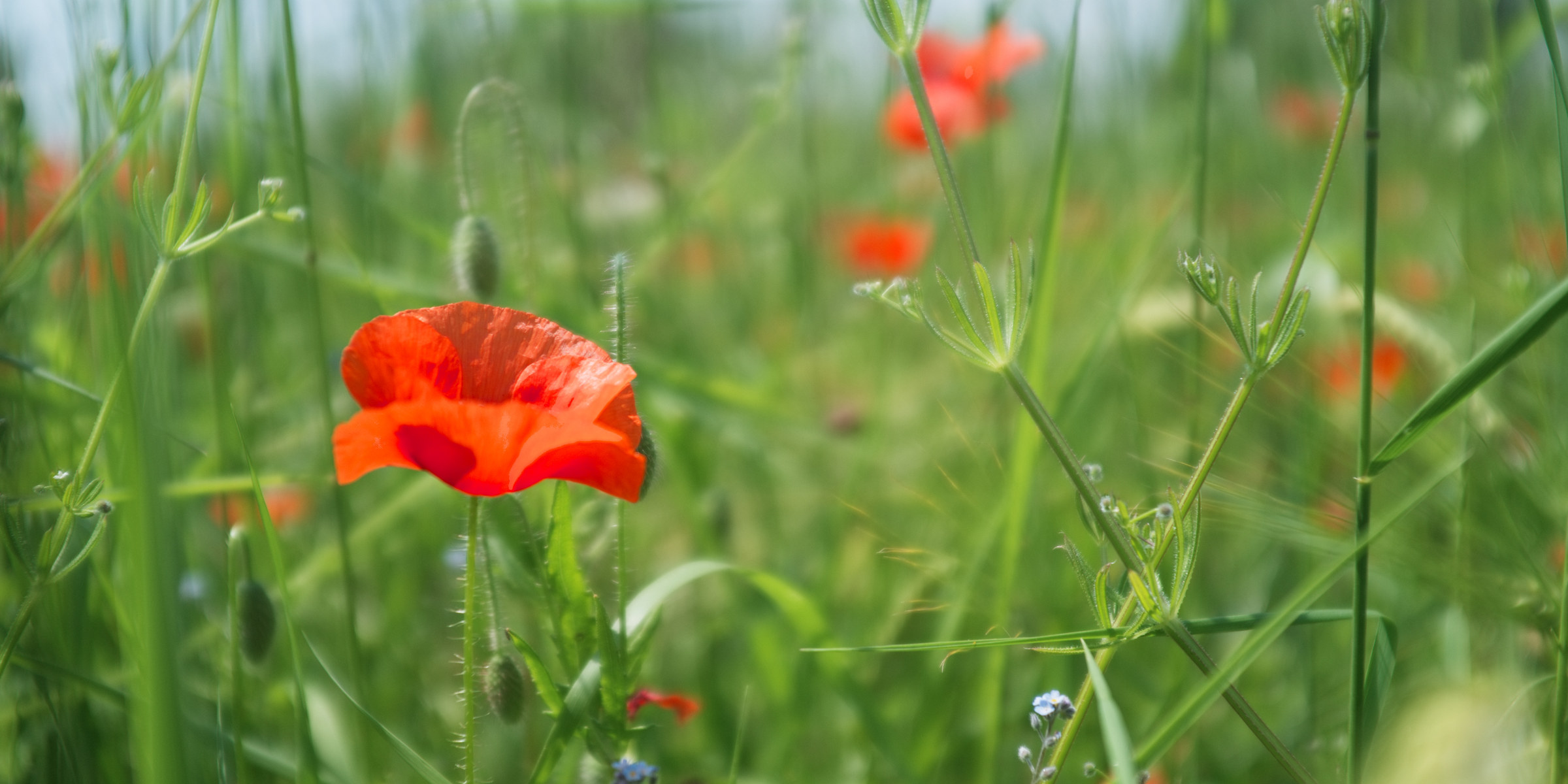
graineo recreates negative, enlarger and photo paper from published film data (spektrafilm by Andrea Volpato): dyes, grain, halation, paper grade. That is why every film has its own character, as you can see above: Ektar rich, Tri-X with bold grain, Portra bright and warm. In the darkroom you work the way you used to: test strips, paper grades, dodging and burning, contact sheets.
You can save any look as a 3D LUT (.cube) and use it in other programs.
More →graineo 1.5.1 for macOS (Apple Silicon and Intel), Windows and Linux experimental. Packages under Releases, or build it yourself.
Direct download: macOS (DMG) · macOS (ZIP) · Windows (ZIP, experimental) · Linux (tar.gz, experimental)
What has changed: changelog.
git clone https://github.com/graineo/graineo.git
cd graineo
cargo build --release -p graineo
./scripts/bundle-macos.sh
Requires Rust (stable), a C compiler and libclang. Self-built versions are not signed: on first launch, right-click and choose Open.
Bugs, change requests and new ideas are welcome: as a GitHub issue or in the app under “Help → Report a Problem…”. graineo is happy to grow with your wishes.