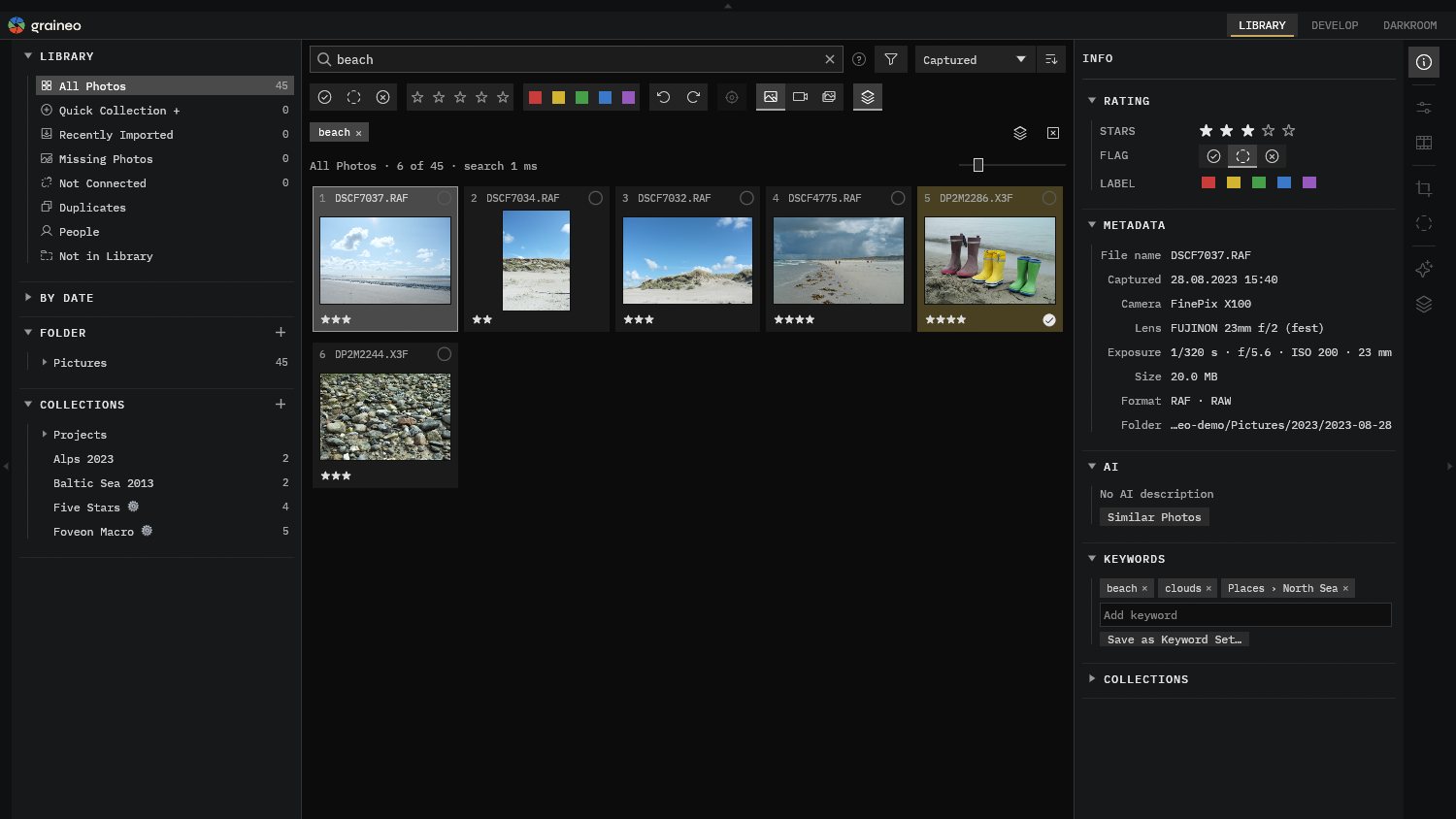
Search
By words, typo-tolerant, or by meaning: “red door”. Keywords also by path: keyword:"Places > Paris".
Tens of thousands of photos, found in seconds: search by meaning, people, keywords as a tree, collections in your own order, NAS, Apple Photos, Lightroom catalogs.
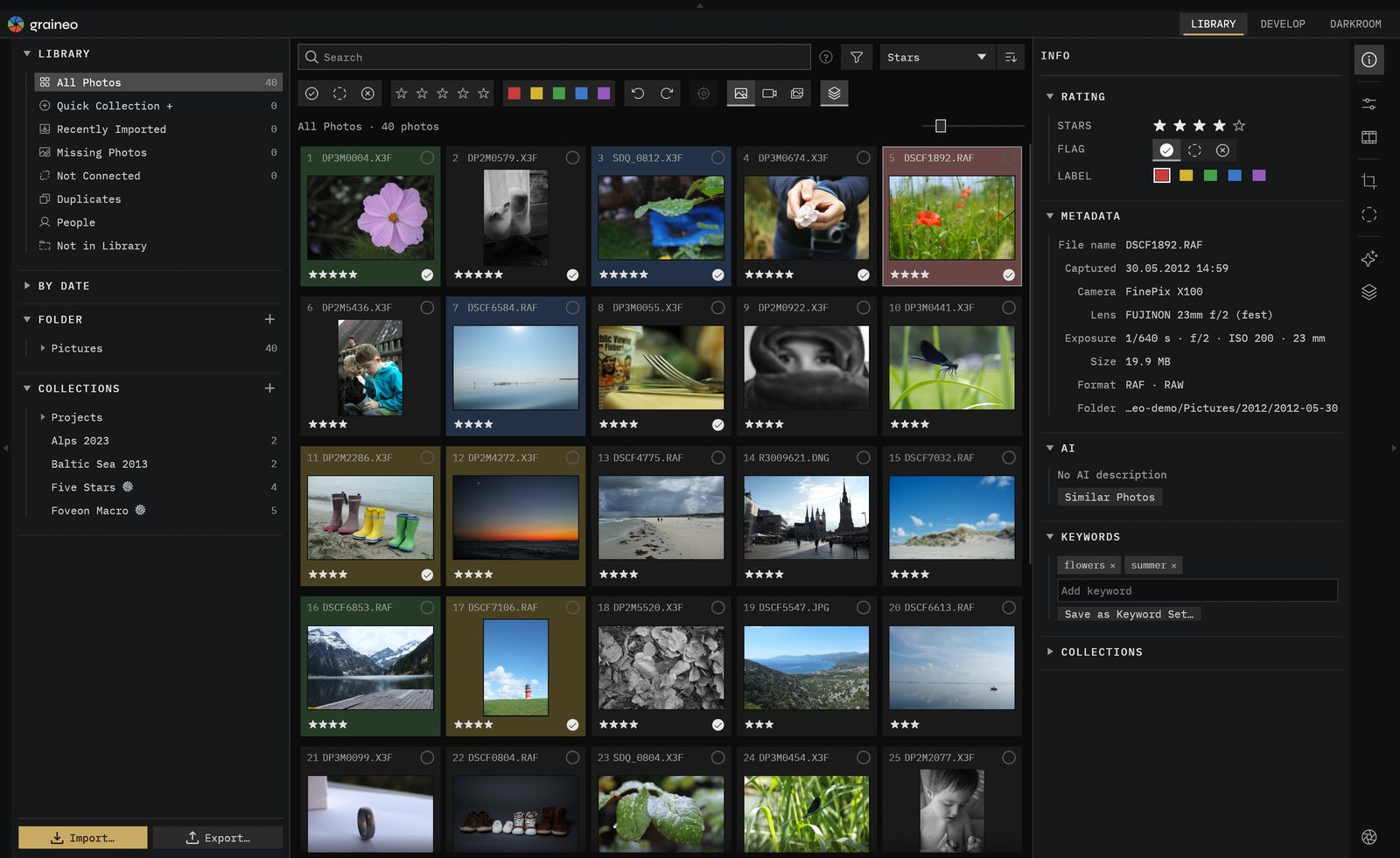
Tens of thousands of photos on your computer, a drive or a NAS. Filter by camera, lens, year, person. Search by meaning: “dog on a beach”.
Search and faces run locally. No chatbot, no uploads.
People in the screenshots are AI-generated.
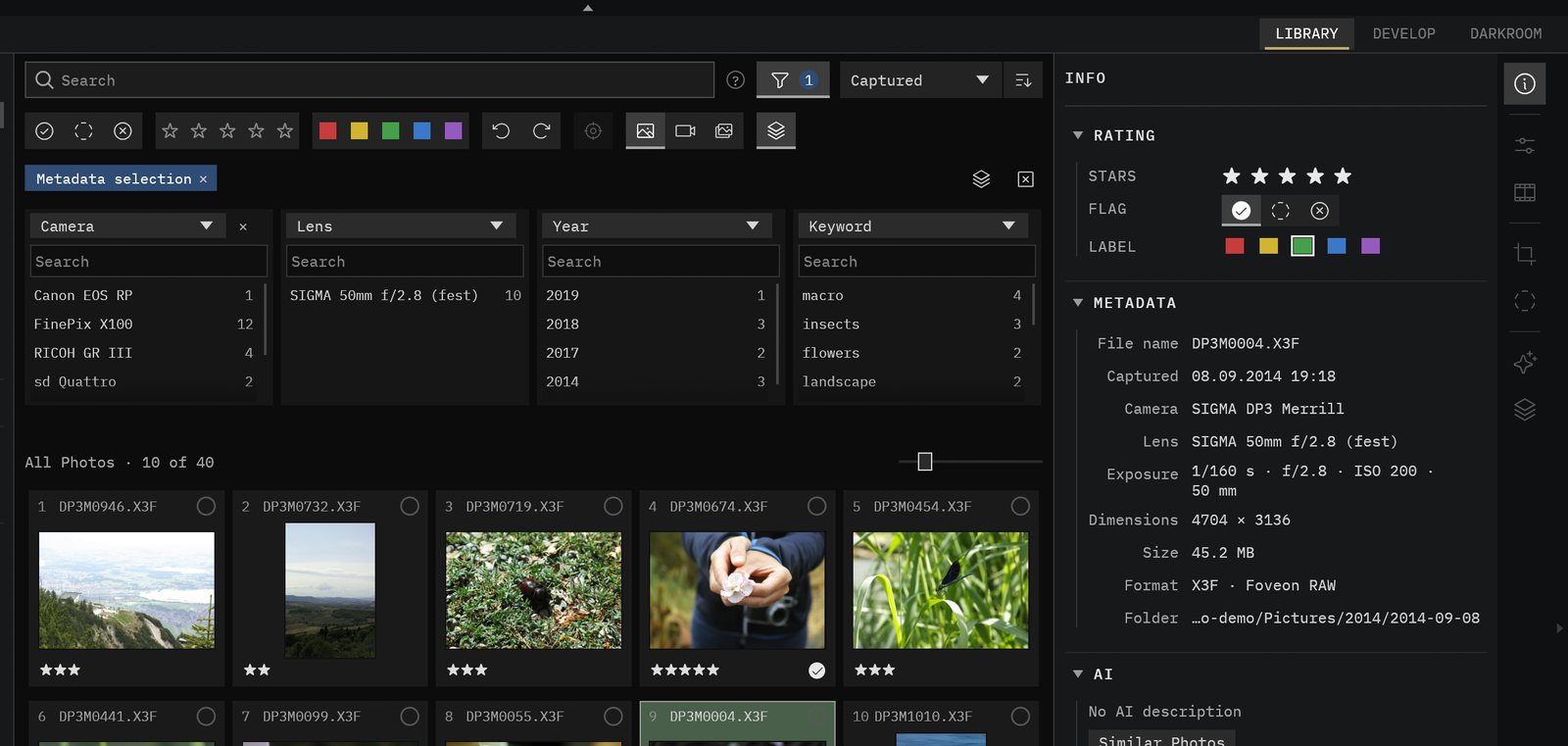
Three to six columns, each showing any property you like: camera, lens, year, person, rating, aperture, ISO …
By words, typo-tolerant, or by meaning: “red door”. Keywords also by path: keyword:"Places > Paris".
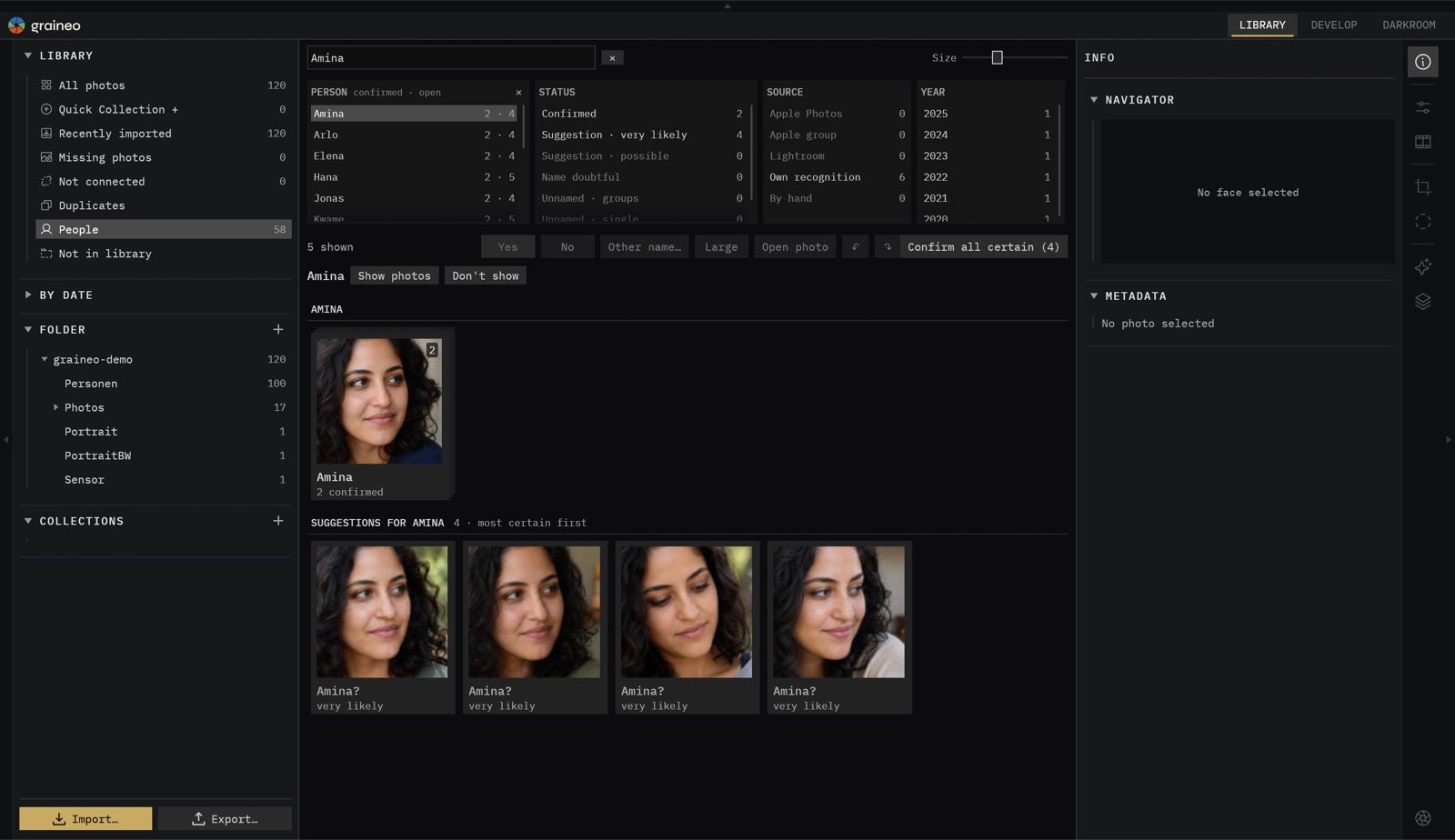
Faces recognised locally. Name someone once, and graineo suggests them in more photos. People in the screenshots are AI-generated.
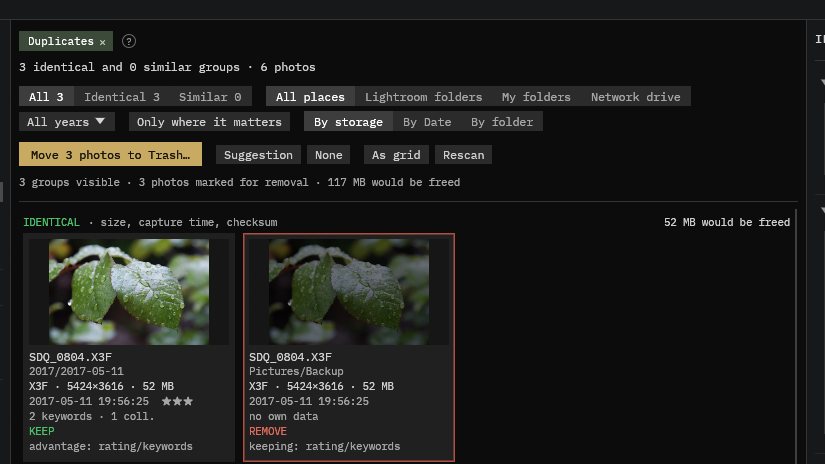
Find exact and similar duplicates, and decide what stays.
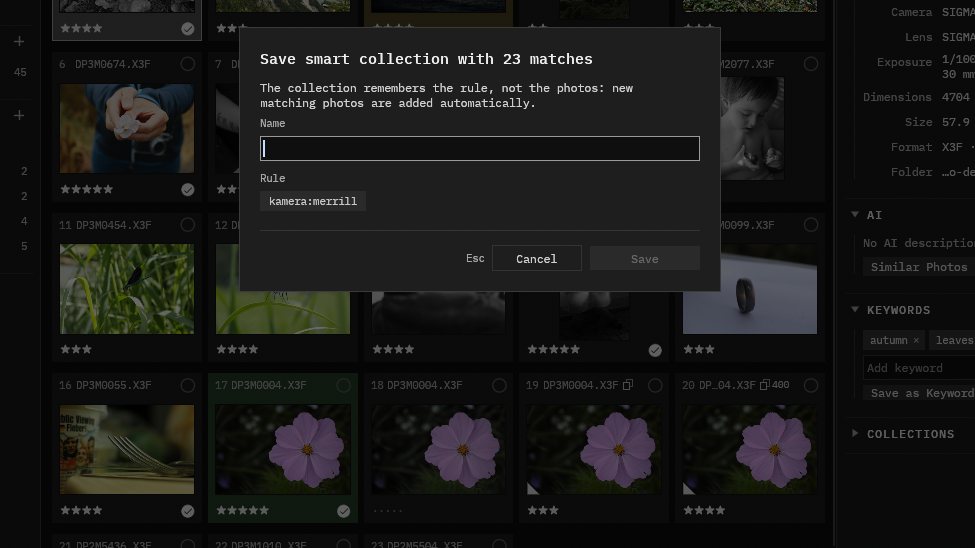
Collections built from rules, plus a quick collection.
Broader and narrower terms, expandable in the filter. “Arrange keywords…” (⇧⌘K): drag, merge, rename, all with ⌘Z; suggestions find duplicates such as singular and plural. Exports include the parent terms, never people.
Collections and sets in your own order: drag, ⌥⌘↑/↓ or by name. Sets open when you hover over them, and everything works with ⌘Z. A new Lightroom import leaves your order in place.
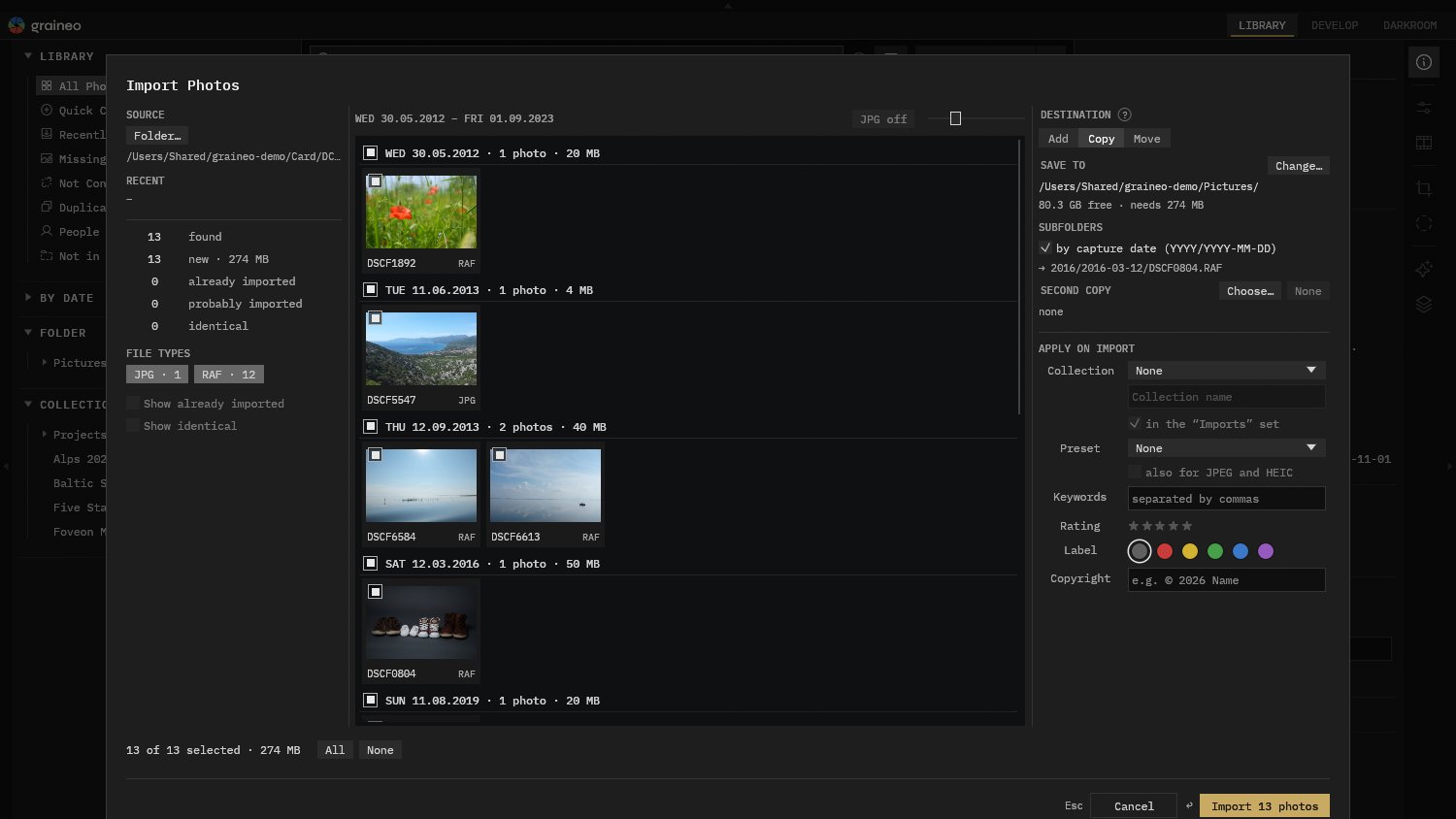
From a card, a folder, Apple Photos or Lightroom Classic. In place, copied or moved; copies verified with a checksum.
Move and rename folders, on a NAS too. With a journal and undo; small offline copies stay local.
Browse the library with people and albums, play videos. graineo changes nothing there unless you explicitly delete a photo.
Bring in ratings, keywords, collections, edits and faces. The catalog is only read.
Originals stay untouched, nothing is deleted without a clear dialog. Daily backups, optionally to a second place as well.